

How to use ELD data to improve efficiency

What are you waiting for?
Turn ELD data into action with Truckstop.
The benefits of electronic logging devices (ELDs) extend well beyond hours of service. While these tools can help you stay compliant, the right ELD solution can also create opportunities to increase productivity and profitability. ELDs could, for example, improve dispatching efficiency and vehicle utilization, and even enhance driver safety and customer satisfaction.
Read on for ELD data analysis tips to fully harness your data and grow your business.
What is ELD data?
ELDs automatically record a truck driver’s hours of service (HOS) data, a crucial part of compliance. The devices connect to the truck’s engine and use the GPS and electronic control module (ECM) to track data points like:
- Drive time.
- Vehicle movement.
- Location information.
- Driver and vehicle identification.
In 2015, the Federal Motor Carrier Safety Administration (FMCSA) finalized the ELD rule, setting limits for drive time and required rest periods. Most carriers have adopted ELDs to comply with the FMCSA. However, many are also using these devices to manage other aspects of their business, like making dispatching more efficient or adopting better maintenance practices.
Key metrics captured by ELD systems
Key metrics ELD systems capture include:
- HOS data: The main function of ELDs is to automatically track and record HOS data. They collect data on drive time, on- and off-duty time, and sleeper berth time. ELDs also capture location information at certain intervals, like when the vehicle is moving, when turning it on or off, and changes in duty status.
- Vehicle data: ELDs connect to the vehicle’s engine to capture engine hours, vehicle miles driven, movement, and when the engine is powered on or off.
- Identification data: ELDs also collect driver, vehicle, and motor carrier identification for accountability and record-keeping purposes.
- Driver behavior: Some ELDs paired with telematics and integrated into platforms may offer insights into driver behavior to increase safety. For instance, they might track hard braking, speeding, or idling time.
- Vehicle performance: Some advanced ELDs can also work with vehicle diagnostics and telematics to track fuel efficiency, engine fault codes, and other vehicle performance data.
How trucking companies benefit from ELD reports
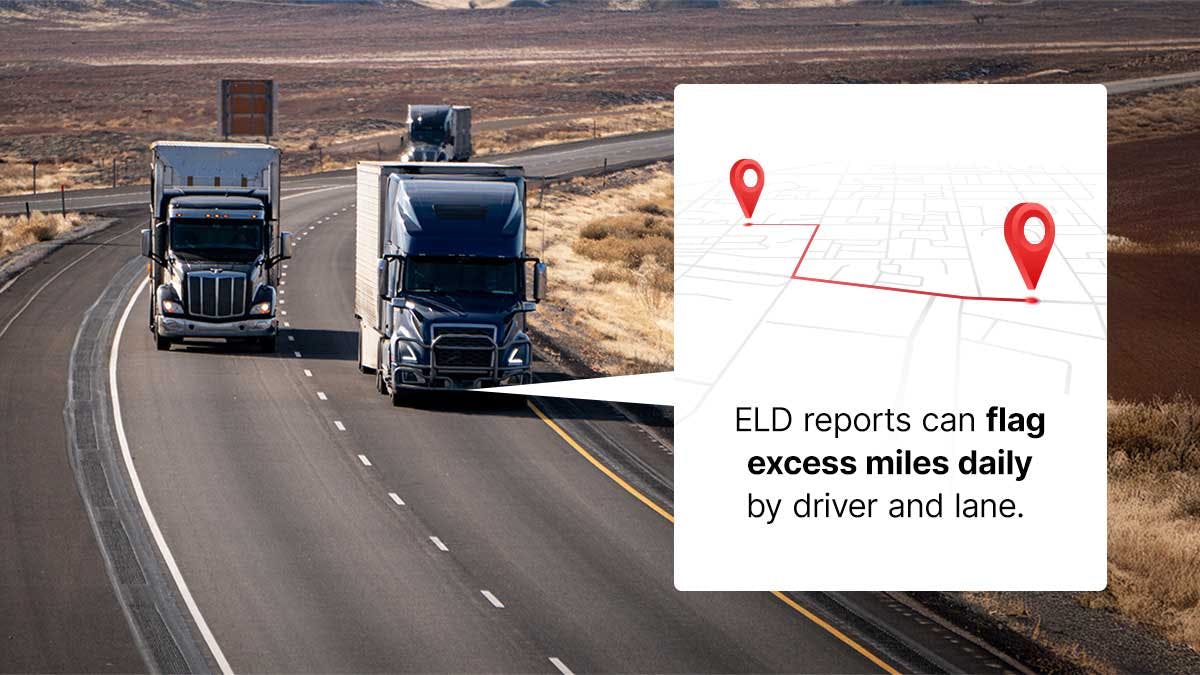
Here’s how the right ELD reports can improve your efficiency and grow your business:
Improve route planning
ELD reports can flag excess miles daily by driver and lane. You can use this data to recalibrate GPS navigation and improve routes to save money. For example, say you notice chronic detours or empty backtracking. With these insights, you can plan more efficient routes to save on fuel. The result is a more efficient, cost-effective operation.
Reduce fuel waste
Many trucking companies are improving fuel efficiency with ELD data, making them more competitive. They do this by checking on reports about drivers and lanes with the most waste, and actions like:
- Prolonged idling.
- Excessive speed.
- High revolutions per minute (RPM).
To prevent fuel waste, you can set alerts and thresholds, such as idling for more than 10 minutes or going five over the posted speed limit. Keep track of your ELD reports over time as you coach your team. Reducing just an hour of idling each day can save up to one gallon of fuel, leading to cost savings over time.
Avoid detention time
With geofenced arrival and departure time stamps, ELD reports can show you dwell metrics by facility and customer. You can use these insights to create shipper and consignee scorecards and fine-tune appointment windows. You could also set up automatic detention alerts when wait times approach thresholds or a driver’s HOS clock.
Clear, auditable logs can attach gate-in/out and door timestamps to invoices. This allows you to improve asset utilization and driver morale.
Prevent vehicle breakdowns
When paired with engine connectivity, ELD data can help you practice proactive maintenance. Many platforms can pair ELD data with electronic driver vehicle inspection reports (eDVIRs) to track inspection completion and defects, for instance.
They can also show you trends in driver behavior that could be accelerating wear, such as over-revving. Or, use fault-code summaries and repeat-defect analytics to allow your maintenance teams to repair vehicles before a roadside failure can even occur.
Improve driver safety
ELD reports increase HOS compliance. This can help reduce violations and fatigue risk. ELDs can track safety analytics like:
- Speeding.
- Hard braking.
- Rapid acceleration.
- Following-distance proxies.
- Time headway under 1 second.
By tracking these analytics, ELDs can lead to more focused coaching and positive reinforcement. Over time, ELD reports can help focus on behaviors that prevent crashes, not just penalties after the fact.
Find and eliminate bottlenecks
Network-wide ELD data can show bottlenecks in time and capacity. These could be slow gates, congested yards, or recurring freeway choke points by time of day. With facility-level dwell heat maps, stop-sequence variance, and other insights from your ELDs, you can retime departures, redesign routes, stage trailers, or adjust staffing. Each minute removed from dwell or delay means more on-time deliveries, happier drivers, and higher revenue miles.
Tips for making ELD data actionable
As your ELD collects data from your trucks, you can start turning it into action, such as cutting detention, reducing empty miles, and better pricing your lanes. Here’s how to use ELD data for fleet optimization:
- Match loads to HOS in real time: Pair your ELD data with solutions like the Truckstop Load Board and Truckstop Book It Now to grab loads that fit each driver’s remaining hours. This can mean fewer violations and layovers.
- Price lanes with data, not guesses: Price your lanes correctly by looking closely at ELD dwell, speed, and out-of-route trends. Set fair rates, add accessorials where detention is common, and keep lanes attractive to drivers.
- Cut detention using your facility data: Using your ELD dwell reports, build a list of the fastest facilities. Prioritize those shippers on your load board and rebook trusted partners.
- Reduce empty miles and deadhead: Use ELD GPS patterns to spot common empty corridors. Save searches and set alerts for when you’re on the go, and grab backhauls before drivers arrive.
- Reposition trailers without buying more: Use power-only load boards to move empties and preloads when pools get out of balance. Align your moves with the driver’s HOS windows.
- Keep your network safe if you broker overflow: Onboard and monitor carriers fast with an advanced, centralized platform. The right solution can help you lower fraud risk and stay on top of insurance and compliance changes.
Turn ELD data into action with Truckstop
ELD data becomes far more valuable when it’s connected to the rest of your workflow. Truckstop helps you put that data to work. With RMIS, brokers can require carriers to connect their ELDs during onboarding, giving you live and historical location insights you can trust. RMIS maps out real running patterns so you can see where a carrier moves freight today, where they’ve hauled in the past, and whether their lanes align with your needs.
Combine that visibility with the Truckstop Load Board and Book It Now to match freight to carriers already positioned for your lanes. Use Truckstop Rate Insights to price with confidence based on real market activity.
You get clearer visibility, faster onboarding, and better decisions from a single platform built for trucking.
Request a demo to see these tools working together for your business.





Get helpful content delivered to your inbox.
Sign up today.
Find high-quality loads fast, get higher rates on every haul, and access tools that make your job easier at every turn.






.png)

.png)

